9 Best Asynchronous Communication Tools 2025

These tools help you communicate without needing everyone online at the same time. Whether you’re managing projects, sharing updates, or brainstorming, they reduce meetings and interruptions, letting you focus on important tasks. Here’s a quick rundown of the top options for 2025:
- Twist: Organized thread-based messaging for focused team communication ($6/month for Unlimited Plan).
- Notion: All-in-one workspace for documentation, task tracking, and knowledge sharing (Free; $8–$10/month for teams).
- Loom: Screen and video recording to replace unnecessary meetings (Free; $12.50/month for Business Plan).
- Asana: Task and project management with clear goal alignment (Free; $10.99/month for Starter Plan).
- Miro: Visual collaboration with digital whiteboards and brainstorming tools (Free; $10/month for Starter Plan).
- Gmail: Email with AI tools for smarter communication and collaboration (Free; $7.20/month for Business Starter).
- Zapier: Automates workflows between apps, saving time on repetitive tasks (Free; $19.99/month for Professional Plan).
- Claap: Video-based collaboration with time-stamped feedback (Free and custom pricing options).
- Jira: Agile project management with AI-powered task breakdowns (Free; $7.91/month for Standard Plan).
Quick Comparison
| Tool | Key Features | Pricing (USD) | Ideal For |
|---|---|---|---|
| Twist | Thread-based messaging, minimal notifications | Free; $6/month for Unlimited Plan | Structured team communication |
| Notion | Docs, task tracking, AI tools | Free; $8–$10/month for teams | Knowledge and task management |
| Loom | Video recording, AI summaries | Free; $12.50/month for Business Plan | Quick video updates |
| Asana | Task management, goal alignment | Free; $10.99/month for Starter Plan | Project tracking and collaboration |
| Miro | Visual boards, brainstorming | Free; $10/month for Starter Plan | Creative collaboration |
| Gmail | AI-powered email, Google Workspace integration | Free; $7.20/month for Business Starter | Email and document collaboration |
| Zapier | Workflow automation, multi-app integrations | Free; $19.99/month for Professional | Automating repetitive tasks |
| Claap | Video feedback, time-stamped comments | Free and custom pricing options | Video-based collaboration |
| Jira | Agile task management, AI tools | Free; $7.91/month for Standard Plan | Software development teams |
These tools empower remote teams to work smarter, reduce meeting fatigue, and improve productivity across time zones.

Comparison of 9 Best Asynchronous Communication Tools for 2025
Best Tools for Async Team Communication and Building
1. Twist
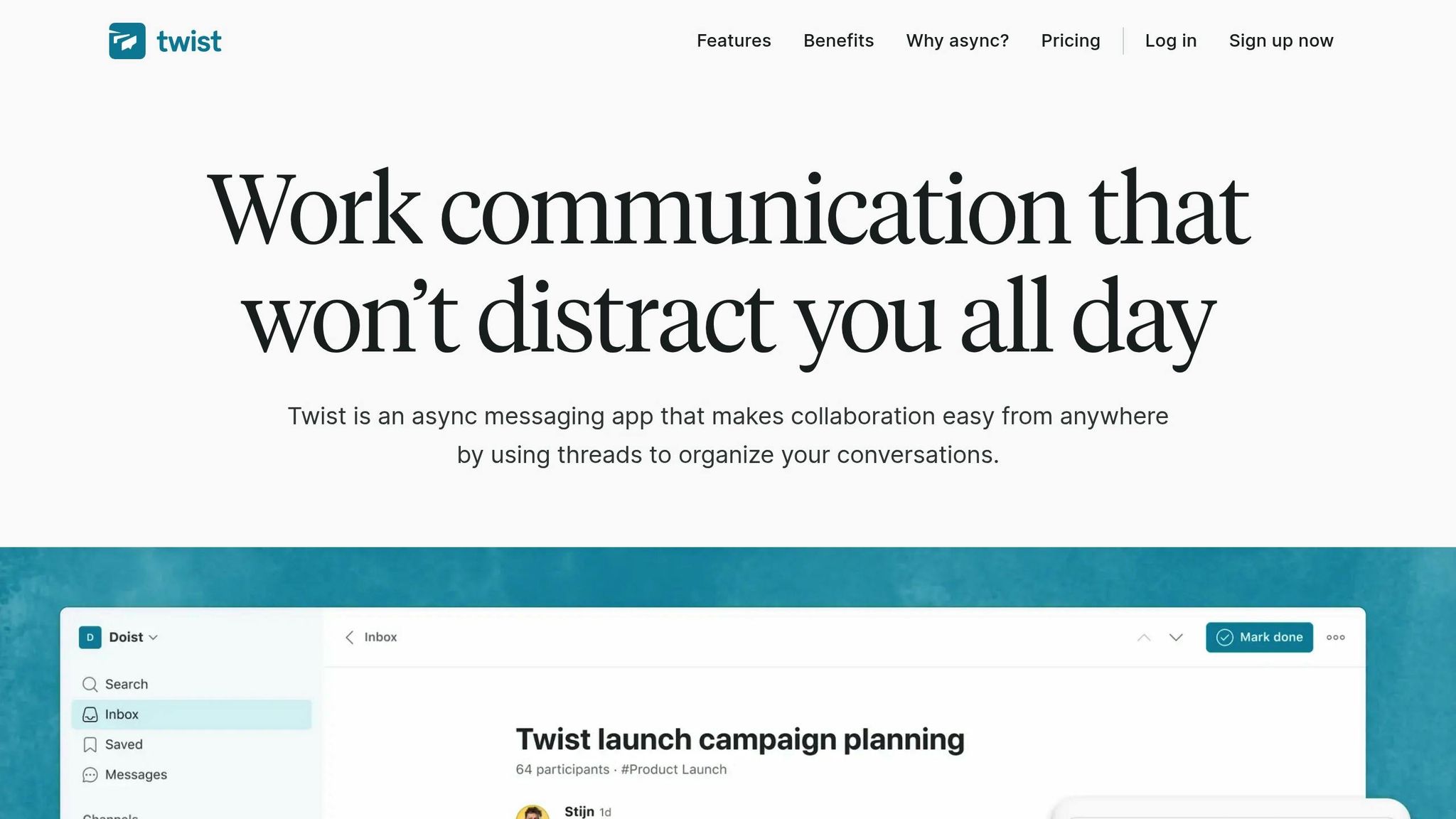
Twist takes a different approach to team communication by organizing conversations into threads rather than chaotic chat streams. This structure keeps discussions focused on specific topics, ensuring that essential details don't get buried in casual chatter. Channels can be set up based on projects, clients, or topics, giving your team a clear view of ongoing conversations and priorities.
Messaging and Collaboration Features
Twist stands out with its centralized Inbox for key threads and its ability to support one-on-one messaging, complete with GIFs and emojis for a touch of personality. To help teams focus, Twist avoids features like online status indicators and constant notification badges, reducing the pressure to reply instantly.
"Twist is the perfect tool for deep work in a team setting. You cannot see if people are online. You are encouraged not to notify everyone all of the time. There is no glowing green dot encouraging you to be 'always on'." – Richard Burton, CEO, Balance Software
The platform is trusted by over 450,000 users, with 81% reporting improved efficiency, 76% noting better alignment, and 71% experiencing calmer collaboration. Another helpful feature is that channels are public by default, allowing new team members to catch up on past discussions and decisions without disrupting others.
Integrations and Automation
Twist integrates with various third-party tools and supports custom automations. The Free plan includes up to 5 integrations, while the Unlimited plan removes this cap entirely. In the next section, we'll break down the pricing details to help you choose the best option for your team.
Pricing (USD)
- Free Plan: $0 per user/month. Includes 1 month of message history, 5 integrations, and 5 GB of file storage.
- Unlimited Plan: $6 per user/month (billed annually). Offers full message history, unlimited integrations, unlimited storage, and priority support.
- Enterprise Pricing: Custom plans are available for organizations with more than 200 employees.
2. Notion
Notion is a versatile platform that combines documentation, task management, and knowledge sharing into a single workspace. Designed with a page-and-database structure, it supports asynchronous collaboration, making it a great choice for teams spread across different time zones.
Messaging and Collaboration Features
Notion serves as a secure digital hub where teams can create interconnected pages, share knowledge, and collaborate on documents. With AI-powered tools like writing assistance, enterprise search, and Notion Mail (an AI-driven inbox for managing communications), the platform streamlines collaborative efforts. However, its focus is on structured, organized teamwork rather than real-time chats or video calls.
Impressively, Notion has amassed over 100 million users globally and is trusted by 62% of Fortune 100 companies. It holds a 4.7/5 star rating on G2, based on 5,836 reviews, and has been recognized as the top knowledge base for three consecutive years. Up next, let’s look at how Notion simplifies task management with its dynamic database views.
Task Management Capabilities
Notion’s database system is highly adaptable, allowing tasks to be displayed in various formats like Kanban boards, timelines, calendars, or gallery views - all from a single database. Its integrated calendar combines scheduling, time management, and task tracking in one place. With AI tools, meeting notes can be instantly converted into actionable tasks, making it easy to tackle anything from daily to-do lists to intricate product roadmaps - all without juggling multiple tools.
Integrations and Automation
Notion seamlessly connects with popular productivity platforms through AI Connectors, enabling cross-service searches in tools like Google Drive, Jira, GitHub, Microsoft Teams, Gmail, SharePoint, and OneDrive. Native integrations with apps such as Figma, Asana, Trello, Zoom, and Miro allow live content embedding and automatic syncing. Additionally, built-in AI agents handle repetitive tasks like summarizing meeting notes, autofilling tables, and turning brainstorming ideas into structured plans.
Pricing (USD)
- Free Plan: $0 per user/month – includes unlimited blocks for individuals and limited blocks for teams.
- Plus Plan: $10 per user/month (billed annually) – offers unlimited blocks for teams and a 30-day page history.
- Business Plan: $18 per user/month (billed annually) – includes advanced security, admin controls, and a 90-day page history.
- Enterprise Plan: Custom pricing with enterprise-grade security, SCIM, and dedicated support.
- Notion AI: Available as an add-on to any paid plan.
3. Loom
Loom takes a fresh approach to communication by letting teams record screen and webcam videos instead of relying on lengthy emails or scheduling unnecessary meetings. With over 21 million users across 200,000 companies, Loom recorded an impressive 93 million videos in 2025, helping teams avoid 245 million meetings.
Messaging and Collaboration Features
Loom simplifies video messaging by allowing users to record their screen, webcam, and voice simultaneously. These video messages convey tone and expression far better than text. Viewers can interact with videos through time-stamped comments, emoji reactions, and even video replies.
Loom's AI features take things further by auto-generating video titles, summaries, chapters, and transcripts. A majority of users - 67% - find no need to edit these outputs, and 73% rate them highly. The platform also removes filler words and silences, and it can transform scripts into documents. Ryan Carr, Founder of Tailwind, highlighted Loom’s AI integration, saying:
"If you want an example of a company that's integrating AI to 10x the seamlessness of their product, just look at Loom."
Sharing videos is as easy as sending a link - no account required for viewers. You can also embed tasks and Call-to-Action buttons directly into videos, guiding viewers to the next steps without additional follow-ups. These features make collaboration smoother and more efficient, especially when paired with Loom's integration capabilities.
Integrations and Automation
Loom connects seamlessly with over 15 major platforms, including Slack, Jira, Confluence, Notion, Trello, Asana, Google Workspace, Salesforce, and Microsoft Teams. Its "Loom Notetaker" feature can automatically join Zoom, Google Meet, and Microsoft Teams meetings to record, transcribe, and summarize discussions. For Atlassian users, Confluence folders can be automatically updated with meeting notes, and action items can be assigned using @mentions.
Loom's AI-powered documentation tools also turn video content into Jira or Linear issues, formatted documents, or emails, saving users from manual transcription work.
Pricing (USD)
- Starter: Free – Includes basic recording with limited video length per recording.
- Business: $12.50 per user/month (billed annually) or $15.00 per user/month (monthly) – Offers unlimited recording, 4K resolution, custom branding, and the Live Rewind feature.
- Enterprise: Custom pricing – Includes advanced security, admin controls, and dedicated support.
- Loom AI Add-on: $4.00 per user/month – Adds features like auto-summaries, chapters, filler word removal, and task generation to any paid plan.
Loom boasts a 4.7/5 star rating on G2 (from over 2,000 reviews) and Capterra (from over 400 reviews). A 14-day free trial is available for the Business + AI plan.
4. Asana
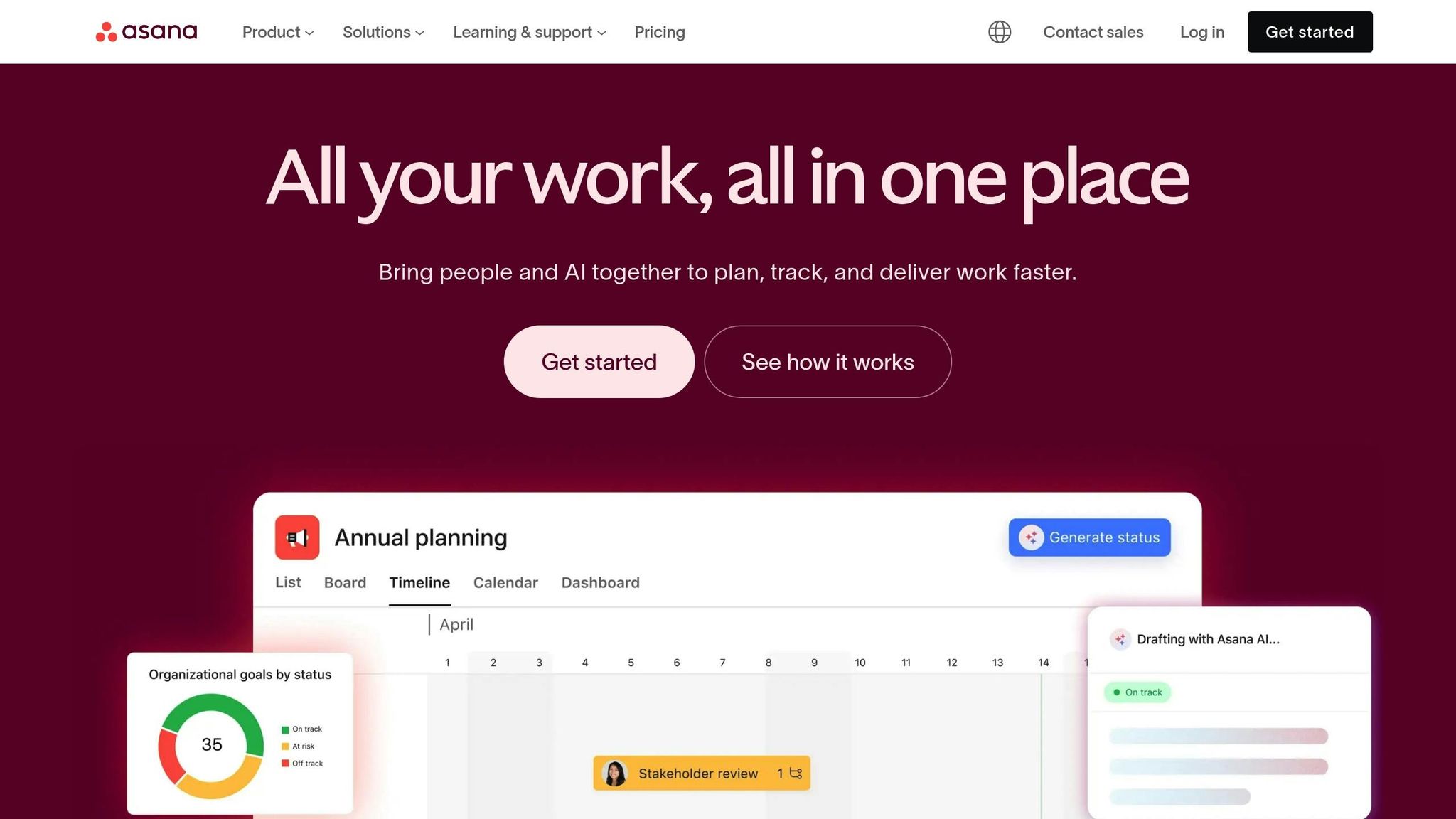
Asana simplifies project management by centralizing updates and linking every conversation directly to the relevant work. As of December 2023, 85% of Fortune 100 companies use Asana to manage their projects and cut down on status meetings. The platform offers all 26 standard task management features - like task dependencies, delegation, and milestone tracking - and boasts a 4.3/5 rating for its features and ease of use.
Task Management Capabilities
Asana goes beyond basic task tracking by embedding task details into project conversations. Acting as a "system of record", it ties all communications to specific tasks and projects, ensuring no context gets lost. Team members can discuss tasks, share files, and provide feedback - all within the task itself. With its "multi-homing" feature, tasks can belong to multiple projects, keeping updates synced across all relevant areas. Additionally, Asana connects individual tasks to broader company goals and OKRs, ensuring alignment at every level. Automated intake forms streamline the process by capturing requests, prioritizing them, and assigning them instantly.
Simon Levinson, Global Digital Manufacturing Process Innovation Manager at Danone, highlighted its efficiency:
"Asana makes everything shareable, which saves us time executing programs because it's so much easier to replicate and learn from what others have done."
Research further supports this approach, showing that meeting productivity drops significantly after 30 minutes. This makes Asana’s focus on asynchronous updates a valuable alternative to lengthy meetings.
Integrations and Automation
Asana integrates seamlessly with over 300 enterprise tools - including Slack, Google Workspace, Zoom, Microsoft Teams, GitHub, and Jira - helping teams avoid the productivity loss that comes with frequent app switching. On average, knowledge workers juggle 10 to 25 tools daily, and 27% admit to missing messages due to constantly toggling between apps. Features like "App Rules" and Workflow Builder allow users to create tasks from Slack messages, sync GitHub pull requests, and convert Jira issues into actionable tasks. Asana AI teammates further enhance productivity by offering insights and helping teams achieve their goals more effectively.
Eugenia Contreras, Associate Manager at Spotify, described its impact:
"Asana is our air traffic control. We have the visibility to scale production and support a higher number of ad campaigns to support our revenue goals."
These powerful integrations, combined with flexible pricing options, make Asana a versatile tool for teams of all sizes.
Pricing (USD)
- Personal: Free, designed for individuals managing personal tasks.
- Starter: $10.99 per user/month (billed annually). Includes advanced views, workflow automation, and reporting. Free trial available.
- Advanced: Free trial available.
- Enterprise: Custom pricing. Offers full access to paid features, along with enterprise-grade security and governance.
Asana also offers tiered plans for small teams (2 to 5 seats) and discounted pricing for nonprofits, making it accessible to a wide range of organizations.
5. Miro
Miro offers a dynamic platform for asynchronous visual collaboration with its infinite canvas workspace. Trusted by over 250,000 companies and used by more than 100 million people worldwide, it enables teams to brainstorm, plan, and execute projects on their own time. Users report achieving planning processes that are 50% faster and a 3.6× shorter time to market.
Messaging and Collaboration Features
Miro’s Talktrack feature allows users to record video walkthroughs with time-stamped comments, making it easier to share insights and updates. Additionally, Miro AI brings automation into the mix by summarizing information, synthesizing research, and even turning sticky notes into diagrams.
Lucy Starling, Product Operations Lead at ASOS, highlighted the platform’s value:
"Being able to bring everyone together to plan in Miro ultimately means that the most impactful initiatives will happen at the right time – and customers will get the functionality they want."
The platform also supports threaded comments, @mentions, emoji reactions, and stickers, creating an engaging and efficient feedback loop. With access to over 6,000 customizable templates - ranging from Agile sprints to strategic planning - teams can quickly transition from brainstorming to action. All these tools integrate smoothly into workflows, further bolstered by Miro's automation capabilities.
Integrations and Automation
Miro connects seamlessly with over 250 apps, including Jira, Asana, Slack, and Microsoft Teams. Its bi-directional sync feature transforms sticky notes into Jira tasks or Asana projects without the need to switch tabs. For scaling workflows, the platform offers automation tools like Blueprints, while its integration with Zapier extends compatibility to thousands of additional apps.
Pricing (USD)
- Free: Includes 3 editable boards and 1 workspace at no cost.
- Starter: $8 per user/month (billed annually) or $10 per user/month (billed monthly), offering unlimited boards and 25 AI credits per month.
- Business: $16 per user/month (billed annually) or $20 per user/month (billed monthly), with advanced diagramming, SSO, and 50 AI credits per month.
- Enterprise: Custom pricing for teams with 30+ members, offering 100 AI credits per user and 24/7 premium support.
With a stellar 4.8/5 rating on G2 based on over 6,000 reviews, Miro continues to be a favorite among users.
sbb-itb-ae976f1
6. Gmail
Gmail, with over 1 billion daily users, incorporates Gemini AI to help summarize email threads, draft replies, and search through emails and Drive files effortlessly.
Messaging and Collaboration Features
Gmail offers much more than just basic email functions. Features like Smart Compose make writing emails faster by predicting text as you type, while Nudges remind you to follow up on important messages so nothing slips through the cracks. Confidential Mode adds an extra layer of security by letting you set expiration dates for emails and restricting actions like forwarding, copying, downloading, or printing.
Collaboration is also a breeze. You can work on Google Docs, Sheets, and Slides directly from your inbox. Mobile users can send quick emoji reactions, and Gmail Offline lets you manage emails even without internet access. Plus, Gmail’s AI-powered spam filter blocks nearly 10 million spam emails every minute and boasts a 99.9% success rate in keeping malware and harmful links at bay.
These tools make Gmail a reliable option for seamless communication, especially within the larger Google ecosystem.
Integrations and Automation
Gmail integrates effortlessly with Google tools like Chat, Meet, Drive, and Calendar, making it easy to jump into video calls, collaborate on documents, or manage contacts and schedules all in one place. Teams can also streamline workflows by combining Gmail with project management tools like ClickUp to turn emails into tasks. Additionally, Zapier enables automation across thousands of apps, saving time and effort.
Pricing (USD)
- Personal Use: Free with 15GB shared storage
- Business Starter: $7.20 per user/month with 30GB storage
- Business Standard: $14.40 per user/month with 2TB storage
- Business Plus: $21.60 per user/month with 5TB storage
- Enterprise: Custom pricing tailored for large organizations
Gmail has earned glowing reviews, holding a 4.6/5 rating on G2 from over 40,000 users and a 4.7/5 rating on Capterra based on more than 10,000 reviews. Users frequently praise its smooth integration with Google Workspace and its strong security features.
7. Zapier
Continuing our look at collaboration tools, Zapier plays a key role in improving asynchronous workflows through its automation capabilities.
Zapier connects over 8,800 apps, making it possible to automate repetitive tasks and simplify workflows without requiring constant manual input. With more than 3.1 billion tasks processed monthly, it’s a trusted tool for 69% of Fortune 1000 companies.
Integrations and Automation
Zapier’s strength lies in its ability to link real-time communication tools with asynchronous work platforms. It ensures information flows seamlessly by automating tasks like turning Gmail emails into Slack notifications, converting calendar events into Trello cards, or transferring form submissions into Jira tickets.
What’s even better? You don’t need to be a tech wizard to set it up. Just describe your workflow in plain English, and Zapier’s Copilot feature will create the automation for you. The platform also offers Zapier Agents, which act like virtual assistants, handling tasks like managing inboxes, drafting reports, and analyzing spreadsheets.
The impact is real: Toyota of Orlando saved over 20 hours a week managing 30,000 lead records, while the Portland Trail Blazers cut a 50-hour post-event task down to just three hours.
"With Agents, I'm getting insights I didn't even know to look for. They flag when something's off, answer questions in plain language, and save me hours every week." - Spencer Siviglia, Director of Operations, Toyota of Orlando
These features allow teams to keep their workflows running smoothly without the need for constant manual adjustments.
Pricing (USD)
Zapier’s pricing is task-based, meaning every automated action counts as one task. Here’s how the plans break down:
- Free Plan: Includes 100 tasks per month, unlimited Zaps, and access to basic features.
- Professional Plan: Starts at $19.99 per month (billed annually) and offers 750 tasks plus multi-step workflows.
- Team Plan: Costs $69 per month and supports up to 25 users with shared app connections.
- Enterprise Plan: Offers custom pricing tailored to large organizations.
Opting for annual billing can save up to 33% compared to monthly payments.
8. Claap
Claap is a platform that brings video-based asynchronous communication to the forefront. It allows users to record screen and camera videos to share updates, tutorials, or feedback - no need to juggle schedules for meetings.
Messaging and Collaboration Features
Claap serves as an all-in-one video workspace where team members can watch recordings whenever it suits them. One standout feature is its time-stamped annotation system. This lets collaborators leave comments and reactions at specific points in the video, ensuring feedback is clear and tied directly to the relevant moment, rather than being generic or disconnected.
All videos are saved in a centralized, searchable library that acts like a video wiki. With folders and channels to organize content, team members can quickly locate what they need without sifting through endless chat threads or email chains.
Integrations and Automation
Claap works seamlessly with tools like Jira, Asana, Trello, Linear, and Monday.com, enabling users to turn video discussions into actionable tasks without jumping between apps.
It also integrates with Slack and Microsoft Teams, automating notifications for new videos and comments. This way, everyone stays updated without needing to check yet another app constantly.
Pricing (USD)
Claap offers a Free plan, which includes essential features like recording, commenting, and basic organization tools. For teams seeking more advanced options, paid plans are available, with pricing tailored to team size and feature needs.
9. Jira
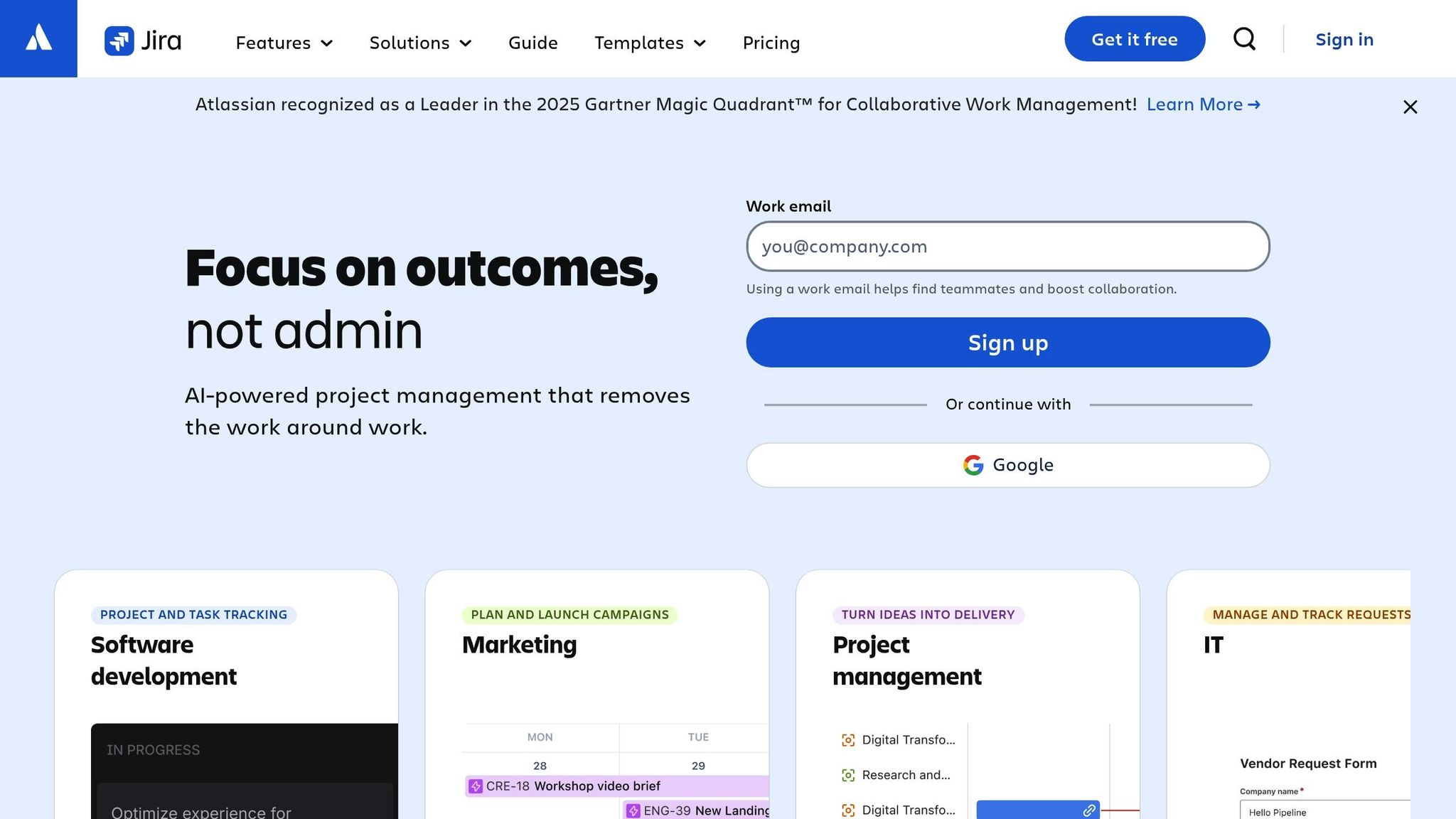
Jira stands out when it comes to managing intricate, asynchronous projects. Its AI-powered tools simplify task management and make project coordination across time zones much smoother.
Task Management Capabilities
Jira leverages Rovo AI to automatically break down large projects into smaller, actionable tasks. It refines task descriptions and links relevant resources, eliminating the need for manual input. This ensures that every team member has complete context, even if they weren’t involved in the initial planning stages.
To track progress, Jira provides multiple views, including Kanban, list, timeline, and calendar formats. Its dependency management feature connects tasks across teams - whether engineering, product, or marketing - helping spot risks and bottlenecks early on. Rovo AI also summarizes comment threads and pulls related insights from tools like Confluence or Figma, so users can quickly get up to speed without digging through endless updates.
"[Jira] makes life easier. [We] can spend time on adding value, not busywork." - Joe Cotant, Senior Technical Program Manager
By automating task breakdowns and updates, Jira ensures teams stay aligned without needing constant real-time check-ins.
Integrations and Automation
Jira offers over 3,000 integrations through the Atlassian Marketplace, connecting seamlessly with tools like Slack, Figma, and Gmail to centralize workflows. Its custom automation rules handle repetitive tasks, such as moving items forward based on triggers, sending reminders, or flagging risks - all without manual intervention. Teams can also use forms to streamline requests, enabling them to submit and track progress asynchronously.
Pricing (USD)
Jira’s pricing structure is designed to accommodate teams of all sizes:
- Free plan: Supports up to 10 users with basic project tracking tools.
- Standard plan: Priced at $7.91 per user per month, it includes 250 GB of storage and enhanced support.
- Premium plan: Costs $14.54 per user per month, offering unlimited storage, advanced planning tools, and 24/7 support.
- Enterprise plan: Tailored for large organizations, it includes advanced security, unlimited automation, and a 99.95% uptime SLA. Pricing requires contacting sales.
Jira’s reputation is further cemented by Atlassian being named a Leader in the 2025 Gartner Magic Quadrant for Collaborative Work Management.
Comparison Table
Here's a quick side-by-side look at nine tools, showcasing their standout asynchronous features, pricing, and ideal use cases.
| Tool | Key Async Features | Pricing (USD) | Best For |
|---|---|---|---|
| Twist | Thread-based messaging, organized channels, and less reliance on real-time interactions | Free; Unlimited plan at $6.00/user/month | Teams needing structured communication across time zones |
| Notion | Wikis, databases, AI-powered search, collaborative docs, and drag-and-drop editing | Free for individuals; $8.00–$10.00/user/month for teams | Organizing knowledge and documentation in one place |
| Loom | Screen and webcam recording, instant shareable links, time-stamped comments, and emoji reactions | Free (5-minute limit); $12.50–$15.00/user/month for Business | Sharing short video updates effectively |
| Asana | Goal tracking, task assignments, timeline views, and workload management | Free for up to 15 users; $10.99/user/month for Starter | Managing projects and aligning team goals |
| Miro | Digital whiteboards, sticky notes, mind mapping, and AI-generated diagrams | Free (3 editable boards); $10.00/user/month for Starter | Visual collaboration and brainstorming sessions |
| Gmail (Google Workspace) | Threaded emails, labels, integrated doc commenting, and seamless Google Docs integration | $6.00–$7.20/user/month for Business Starter | Secure email and document collaboration |
| Zapier | Multi-app automation, custom triggers/actions, and integrations with over 5,000 apps | Free (100 tasks/month); paid plans start at $19.99/month | Automating workflows between different tools |
| Claap | Video collaboration, screen recording, and meeting summaries | Pricing varies by plan | Streamlining video-based meetings and feedback |
| Jira | Issue tracking, Kanban/Scrum boards, dependency management, and automated release scheduling | Free for up to 10 users; $7.16/user/month for Standard | Agile workflows for software development teams |
Each tool brings something unique to the table. Asana is perfect for business teams, Jira is tailored for agile developers, Loom simplifies video updates, Miro fosters visual brainstorming, Notion keeps documentation organized, and Gmail ensures secure collaboration. Together, these tools demonstrate how asynchronous collaboration can help teams work smarter, no matter where they are.
Conclusion
Asynchronous communication tools have become a cornerstone for distributed teams in 2025. They protect the ability to focus - something workers consistently identify as crucial for producing their best, most skilled work. Research highlights that environments free from constant interruptions foster deeper concentration and higher-quality output. By eliminating the pressure for immediate responses, these tools give team members the time to reflect and contribute thoughtful insights.
Each tool in this guide brings something unique to asynchronous collaboration. For instance, Notion acts as an organized, searchable hub for information, serving as a single source of truth. Loom cuts down on long meetings by offering quick, effective video updates. Tools like Asana and Jira keep projects on track across time zones, while Miro supports visual collaboration without requiring everyone to be online at the same time.
The impact is clear: centralized tools improve communication for 89% of users and boost engagement by 36%.
"Async standups don't just save time, they scale trust. By removing the pressure of real-time responses, teams gain the space to reflect, contribute more meaningfully, and avoid Zoom fatigue."
- G2 Editorial
With the right asynchronous tools, remote teams can enjoy flexible schedules, clearer communication, and a more productive way of working.
FAQs
What are the main benefits of using asynchronous communication tools?
Asynchronous communication tools let teams work together effectively without needing everyone to be online simultaneously. This setup cuts down on constant meetings and interruptions, allowing team members to stay focused and get more done. It's particularly helpful for remote or global teams, as it enables seamless collaboration across different time zones and supports a healthier work-life balance.
Another benefit of these tools is the creation of a clear, documented trail of conversations, decisions, and shared files. This makes it easier to locate information and maintain context, which boosts transparency, simplifies onboarding, and ensures smoother handoffs between team members. Plus, when these tools integrate with project management systems, file-sharing platforms, and automation tools, they help teams stay organized and aligned - without the stress of real-time coordination.
How do asynchronous communication tools reduce meeting fatigue and boost productivity?
Asynchronous communication tools let teams share updates, files, and feedback on their own time, cutting down the need for constant live meetings. Tasks like status updates, approvals, and brainstorming can be handled in organized, searchable channels, which helps free up calendars and reduces the meeting overload many teams face.
With information stored in one central location, team members can quickly find what they need without sifting through endless email threads or rewatching meeting recordings. Tools offering customizable notifications, @mentions, and integrations with project management platforms keep everyone in the loop - without the pressure of responding right away. This setup helps minimize distractions, lowers the need for constant task-switching, and allows teams to stay focused and productive.
Whether through voice notes, video messages, or task boards, these tools make collaboration more flexible. Teams can keep projects moving forward without waiting for scheduled meetings. The payoff? Fewer meetings, less stress, and higher productivity - an especially big win for hybrid and remote teams.
What is the best tool for visual collaboration and brainstorming?
Mural stands out as a top pick for visual collaboration and brainstorming. It offers an easy-to-use online whiteboard where teams can sketch out ideas, structure concepts, and run interactive workshops - even when working asynchronously. With tools crafted to spark creativity and simplify teamwork, it’s a great fit for remote or hybrid teams aiming to collaborate seamlessly.