Looking for a Microsoft Teams Alternative? Discover the Best Options for 2025
Microsoft Teams not meeting your needs anymore? In 2025, organizations are exploring alternatives due to concerns like cost, limited flexibility, and data control challenges. Whether you're prioritizing secure communication, open-source tools, or seamless integration with existing workflows, there are several strong contenders to consider.
Here are the top alternatives:
- Zoom Workplace: Renowned for its video conferencing capabilities, Zoom now offers expanded collaboration tools.
- Google Workspace: Combines tools like Gmail, Google Meet, and Drive for teams already using Google’s ecosystem.
- Mattermost: A self-hosted, open-source platform offering control over data and extensive customization.
- Rocket.Chat: A secure, open-source solution designed for industries with strict data protection requirements.
Quick Tip: If security and data control are critical, Rocket.Chat and Mattermost stand out. For video and productivity, Zoom Workplace and Google Workspace are great choices.
Quick Comparison:
| Platform | Key Strengths | Ideal For |
|---|---|---|
| Zoom Workplace | Video conferencing + collaboration | Teams needing strong video tools |
| Google Workspace | Integration with Google tools | Teams already using Gmail, Drive, etc. |
| Mattermost | Open-source, self-hosted flexibility | Organizations needing data control |
| Rocket.Chat | High security, open-source | Industries requiring strict data protection |
Choose the platform that aligns with your team’s priorities, whether it’s advanced security, workflow integration, or reliable communication.
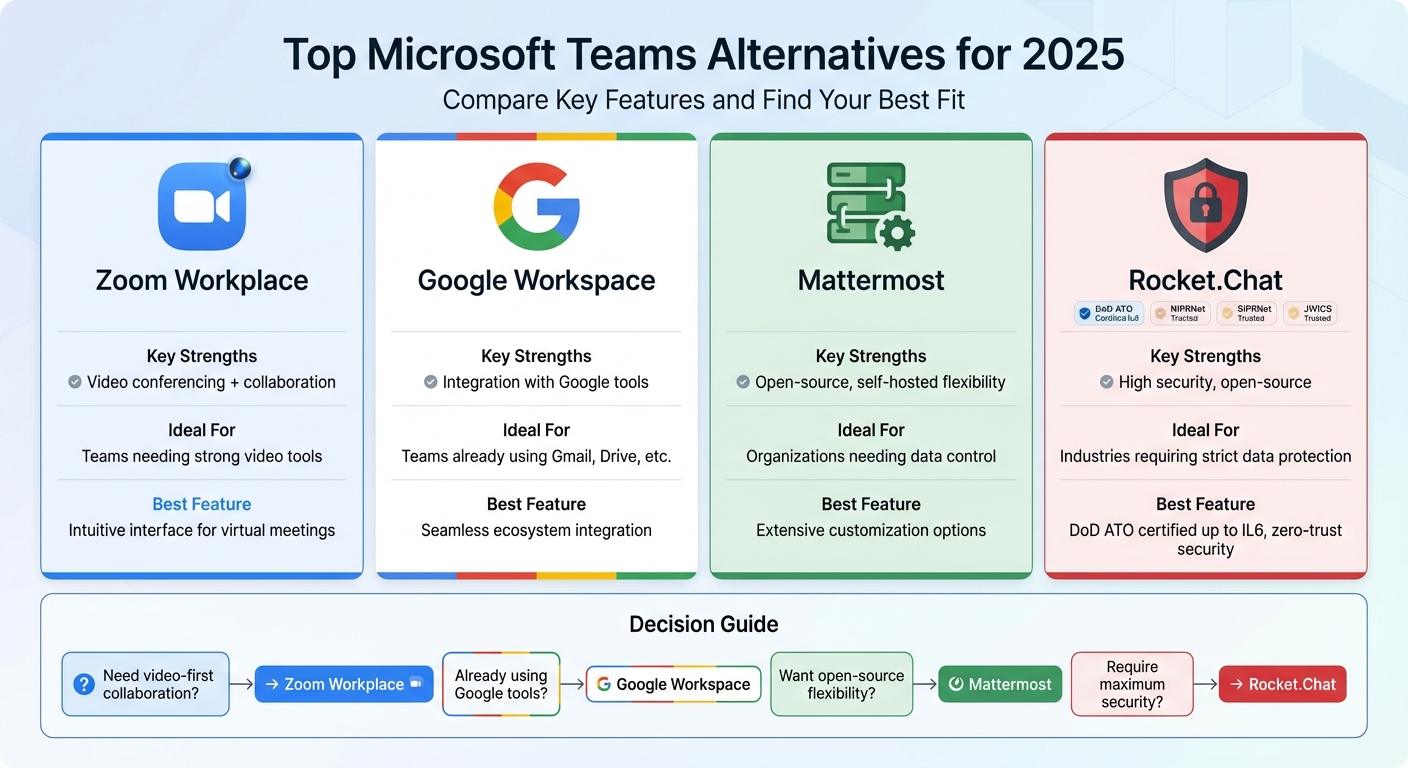
Microsoft Teams Alternatives Comparison 2025: Features and Best Use Cases
The Best Chat App To Replace Microsoft Teams
1. Zoom Workplace
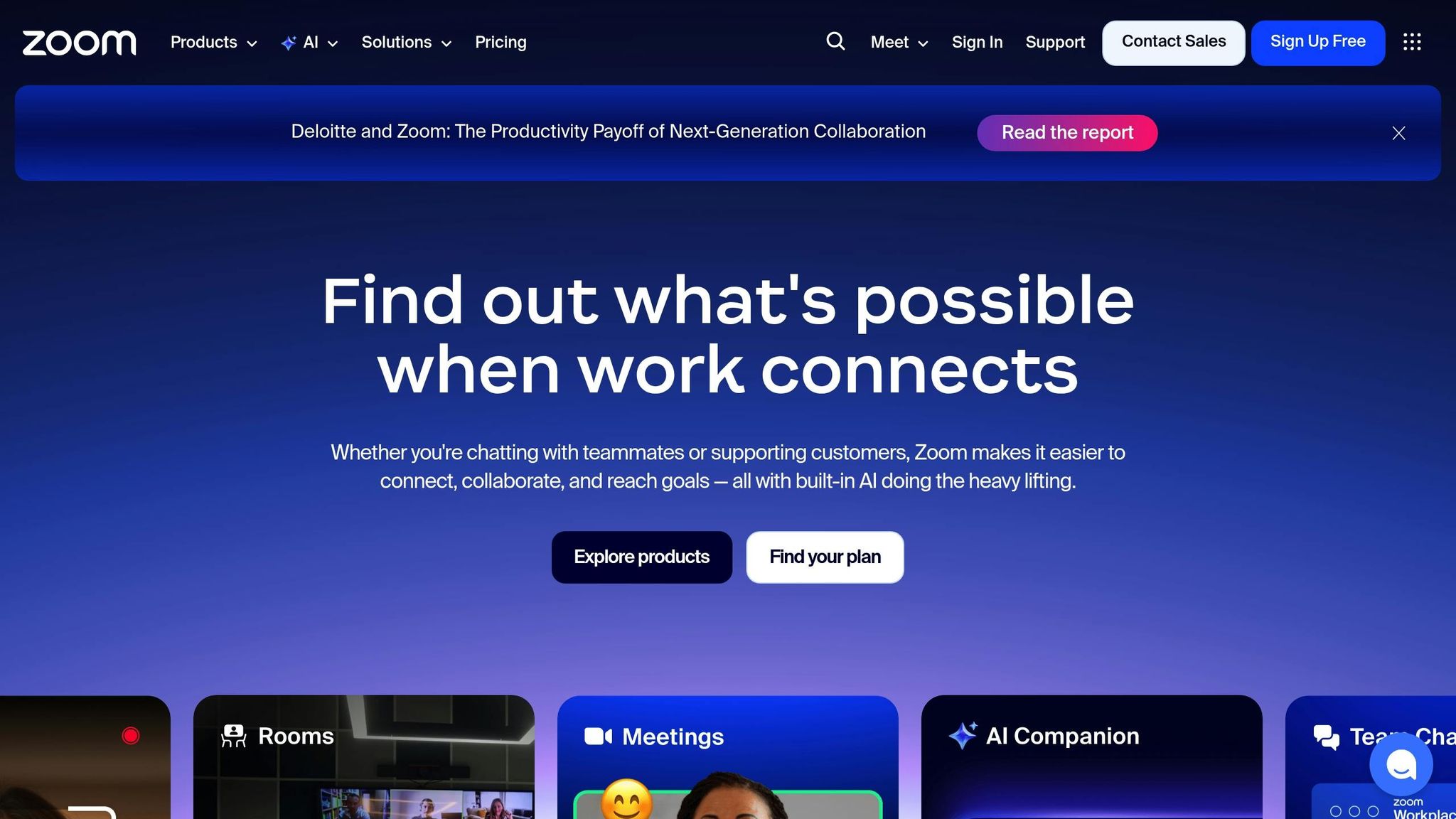
Zoom Workplace appears to deliver strong video conferencing capabilities alongside tools designed to support team collaboration. However, a deeper dive into its security features and pricing structure is still needed to paint a complete picture. As further evaluations come in, it will become clearer how Zoom Workplace measures up against its competitors in these critical areas.
2. Google Workspace (Google Meet and Chat)

Google Workspace combines Google Meet for video calls and Google Chat for messaging, creating a unified system that many businesses depend on. If your team already uses tools like Gmail, Google Docs, or Google Drive, this setup keeps everything connected and easy to use. You can start a video call straight from a Gmail conversation, share a Google Sheet in a chat, and work together on documents in real time - all without leaving the platform. It’s designed to keep workflows efficient for those familiar with Google’s ecosystem.
3. Mattermost
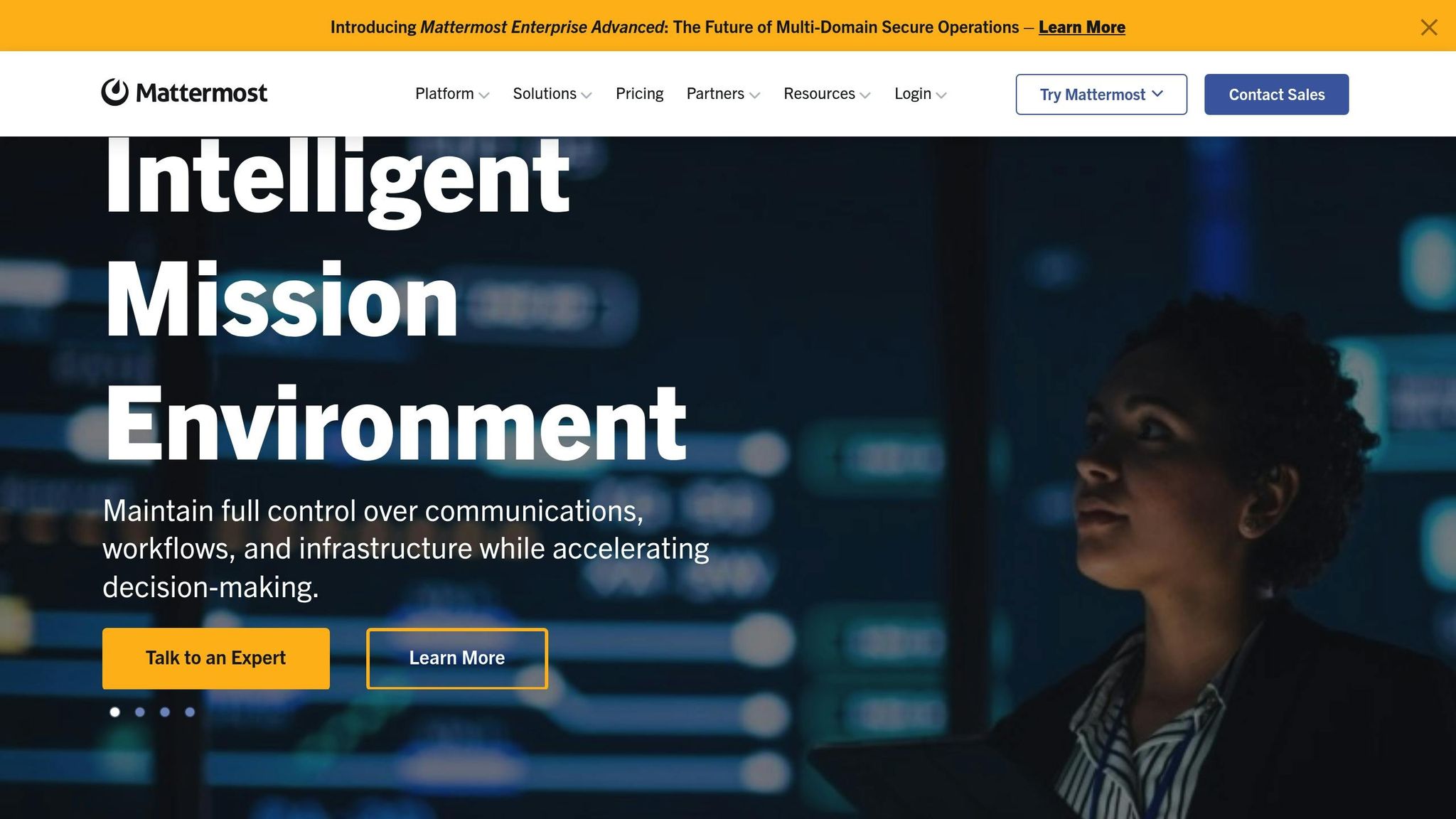
If your organization values open-source tools and greater control over its communication systems, Mattermost is worth considering. This platform allows teams to self-host their communication infrastructure, offering unmatched flexibility in how data is managed. With Mattermost, businesses can ensure tighter control over sensitive information, thanks to its self-hosting capabilities and customizable security features. It also supports extensive customization, enabling teams to tailor the platform to fit their specific workflows and operational needs. Additionally, its strong security protocols make it a reliable choice for organizations prioritizing data privacy.
sbb-itb-ae976f1
4. Rocket.Chat
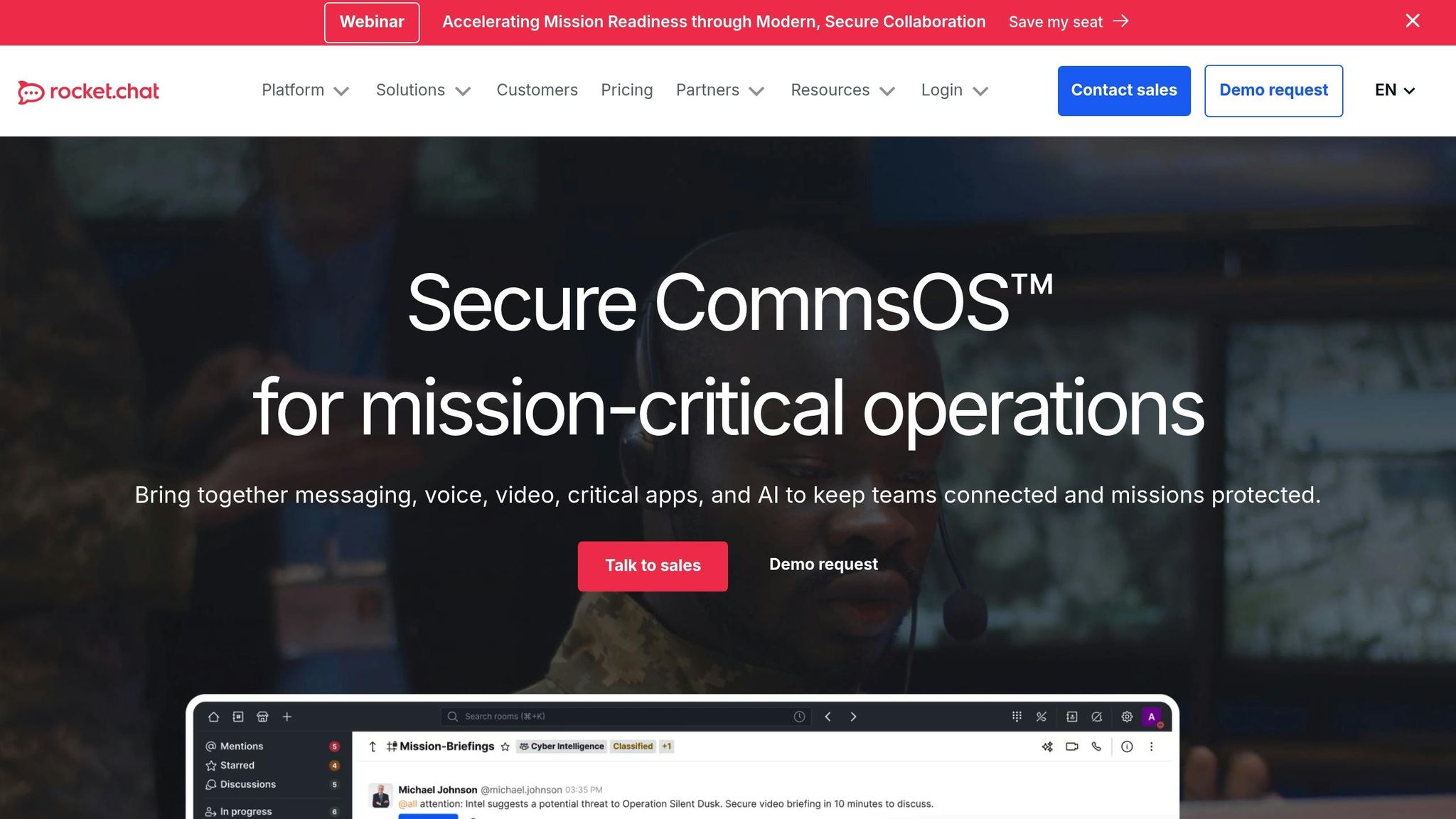
Rocket.Chat stands out as a secure, open-source solution designed for environments where data protection is critical. With its zero-trust security model and robust data control, it's a go-to choice for industries like defense, intelligence, financial services, and critical infrastructure. The platform is trusted in highly classified networks such as NIPRNet, SIPRNet, and JWICS and holds DoD ATO certification up to IL6, ensuring it meets the highest standards for data integrity.
Collaboration Features
Rocket.Chat combines real-time chat, VoIP calls, and video conferencing into one streamlined interface. Its support for federated communications facilitates collaboration across military branches, intergovernmental agencies, and private coalitions. On top of that, AI-powered tools help automate routine tasks and maintain seamless communication, allowing teams to stay focused and productive without compromising security.
Security and Compliance
Rocket.Chat goes beyond basic encryption with features that prioritize security and compliance. It offers:
- Fully encrypted communications to safeguard sensitive data.
- Advanced access controls to prevent unauthorized access and minimize tool sprawl.
- Granular data retention policies and comprehensive audit logs for better governance.
- Hosting options that align with EU regulations, as highlighted by eu-LISA's Information Technology Officer, Nadia Rosioru:
"We were looking for a platform that's easy to use, secure, and hosted in the EU. Rocket.Chat on AWS delivered exactly that - enabling us to support real-time collaboration with Member States."
Customization and Deployment
Rocket.Chat also excels in its ability to adapt to diverse operational needs. Organizations can deploy it on-premise, in air-gapped environments, or through secure cloud solutions, maintaining full control over where and how their data is stored. This flexibility ensures compliance with jurisdictional and regulatory guidelines. Additionally, the platform’s architecture supports both pre-built apps and custom solutions, giving teams the freedom to tailor workflows without being tied to a single vendor.
These capabilities make Rocket.Chat an appealing option for organizations that demand both adaptability and enterprise-level security, paving the way for a closer look at its overall strengths and areas for improvement.
Pros and Cons
Here’s a quick breakdown of the strengths and trade-offs for each platform, based on our in-depth reviews:
Zoom Workplace is a standout choice for teams that rely heavily on virtual face-to-face interactions. Its intuitive interface and reliable video conferencing tools make it a favorite for organizations focused on seamless communication.
Google Workspace combines essential productivity tools like Gmail, Drive, and Calendar into one streamlined package. It’s ideal for teams that value an integrated workflow for collaboration and organization.
Mattermost offers a self-hosted, open-source solution tailored for those who want direct control over their communication systems. It’s a great fit for teams prioritizing flexibility and customization.
Rocket.Chat shines in environments where security is a top priority. With its high-security features, it’s particularly suited for industries with strict data protection needs. Jenny Nilsson, IT Strategist at the Swedish Electrical Safety Board, shared:
"Rocket.Chat met our communication needs - secure messaging, audio and video calls, and document sharing. It checked all the security and usability boxes for us."
Rocket.Chat’s air-gapped architecture ensures data remains segmented and protected, making it a strong contender for regulated industries.
Ultimately, the right platform depends on what matters most to your team - whether it’s video conferencing, seamless productivity tools, open-source adaptability, or advanced security. Carefully weigh these strengths to determine which option aligns best with your needs.
Conclusion
Choose a platform that aligns with your team's specific needs. Zoom Workplace excels in reliable video conferencing, while Google Workspace offers smooth integration for those already immersed in Google's ecosystem.
Security is another key consideration. For teams requiring open-source flexibility and strict data protection, Rocket.Chat delivers with its strong certifications and focus on secure communication.
Think about data control, deployment options, and operational requirements. Whether you need on-premise or air-gapped solutions to meet regulatory standards, look for platforms that offer the flexibility to customize workflows to your organization's unique demands.
FAQs
What security features make Rocket.Chat a strong alternative to Microsoft Teams?
Rocket.Chat stands out as a secure alternative to Microsoft Teams, offering a range of features designed to prioritize data protection. It supports on-premises, air-gapped, and secure cloud deployments, allowing organizations to maintain complete control over where and how their data is stored and accessed. Built on a zero-trust security model, Rocket.Chat is trusted by highly secure sectors, including government and defense, and meets the rigorous requirements of environments with strict security protocols.
Some of its standout features include end-to-end encryption for conversations, granular access controls, detailed audit logs, and thorough information governance. These tools make it a strong option for businesses and organizations that need to manage sensitive or classified information securely.
How does Google Workspace work with other Google tools to improve productivity?
Google Workspace works hand-in-hand with tools like Gmail, Google Drive, Calendar, and Meet, bringing everything together into one cohesive experience. This tight integration makes real-time collaboration, shared document editing, and synchronized updates a breeze, helping teams stay on track and work efficiently.
With perks like automated notifications and access across multiple platforms, Google Workspace streamlines workflows, letting teams concentrate on their priorities. Its user-friendly design keeps communication and productivity flowing smoothly across all the Google apps you rely on.
What security and data control customization options does Mattermost provide?
Mattermost provides powerful tools for tailoring security and data management to your specific needs. With the option for self-hosted deployment in on-premises or air-gapped environments, you maintain complete control over sensitive information, ensuring it stays secure and within your reach.
Key features include end-to-end encryption to protect communications, granular data retention policies for managing information lifecycles, advanced access controls to regulate user permissions, and detailed audit logs for tracking activity.
You also have the flexibility to decide where and how your data is stored, making it easier to meet compliance requirements and uphold stringent security protocols customized for your business.